
ICP Smart Service

ICP Smart Service | ICA Smart Service 2024

  • ICP Smart Service
  • UAE Pass
  • Overstay Fine Check
  • Dubai Visa Check
    • NBAD Balance Check
  • EMIRATES INFO HUB
    • Visa News
    • Blog
    • News
    • Fine
Font ResizerAa

ICP Smart Service

ICP Smart Service | ICA Smart Service 2024

Font ResizerAa
Search
  • ICP Smart Service
  • UAE Pass
  • Overstay Fine Check
  • Dubai Visa Check
    • NBAD Balance Check
  • EMIRATES INFO HUB
    • Visa News
    • Blog
    • News
    • Fine
Follow US
EMIRATES INFO HUB

Hafilat Card Balance Check – How to Check Hafilat Card Balance

Sheikh Naveen
Last updated: December 17, 2025 7:04 pm
Sheikh Naveen
Share
5 Min Read
Hafilat Card Balance Check
SHARE

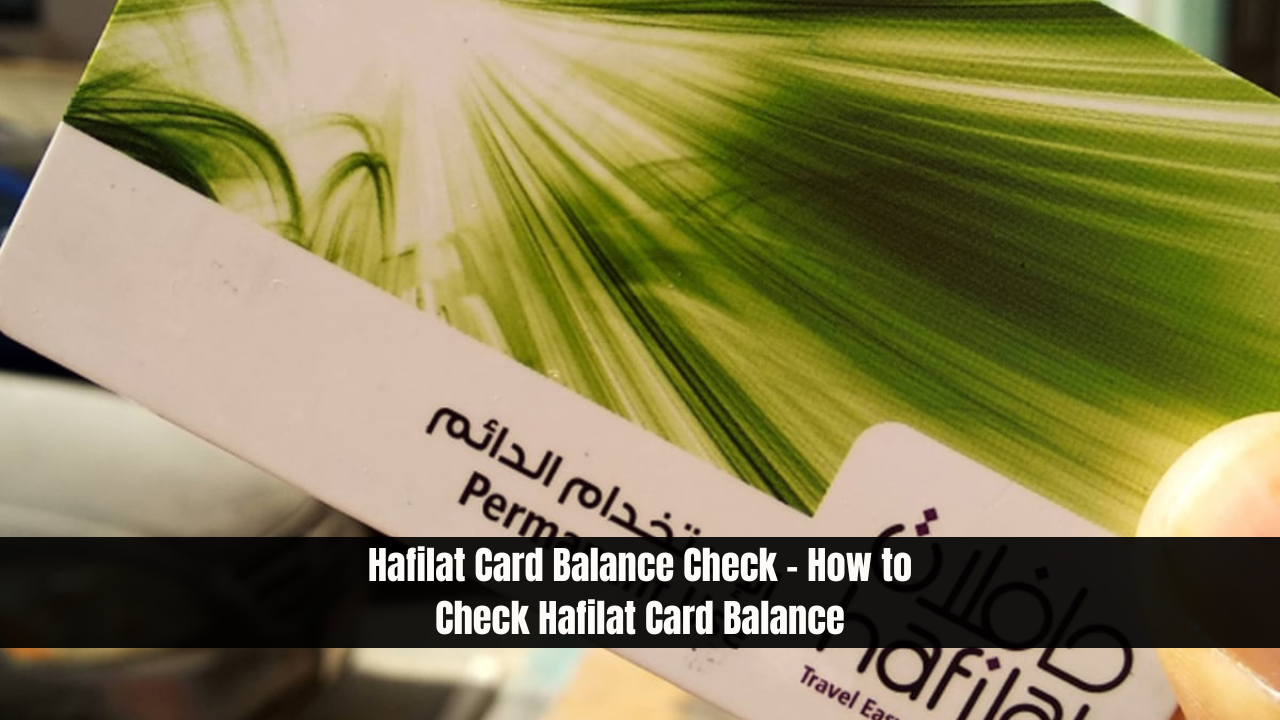
Hafilat Card Balance Check – How to Check Hafilat Card Balance. If you’re living in Abu Dhabi, you must be using the bus service for transportation. In the past, it was a challenging experience to keep your bus card balances in check, leading to fines. But after the introduction of the Hafilat Card, it has become smooth like butter to keep everything in balance. Today, we’ll guide you on how to do a Hafilat Card Balance Check and how you can do a Hafilat Card Recharge.

Importance of Checking Your Hafilat Card Balance

Emirates Visa Requirements
Emirates Visa Requirements – Visa And Passport

It’s crucial to keep your balance in check because if you ride the bus and your Hafilat balance is insufficient, you’ll be fined. Therefore, it’s essential to check if you have enough balance before riding the bus. There are several easy methods to check your Hafilat balance, and we’ll walk you through each one of them. Let’s get started.

Hafilat Card Balance Check Online

You can check your Hafilat balance online as well as offline, depending on your preference.

Related Posts

Emirates Visa Requirements
Emirates Visa Requirements – Visa And Passport
How to Download a Digital Copy of Your UAE Visa
How to Access Your Emirates ID Digitally in the UAE?
Emirates ID Biometric Tech Uses Your Face as ID
How Do I Check My Record in the UAE?
How to Download a Digital Copy of Your UAE Visa

You can check your Hafilat Card Balance Online by following the steps below:

  1. Visit the Hafilat Official Website at hafilat.darb.ae.
  2. Click or tap on “Recharge Card”.
  3. Enter your “Card Serial Number” and click on “OK”.
  4. Once you press “OK”, you’ll be able to see your balance as shown in the figure below.

That’s how you can check your Hafilat Card Balance Online in just a few minutes.

Other Methods to Hafilat Card Balance Check

There are also other methods available for checking your Hafilat Card balance:

  • Sale and Recharge Machines: These machines are available at Bus Stations and Bus Stops. You can check your balance by swiping your card.
  • Recharge Machines: Recharge machines are present at bus stations, bus stops, and malls where you can physically check your Hafilat card balance.
  • Sales Offices: There are sales offices at Bus Stations where you can check your Hafilat balance easily.
  • MBME Recharge Machines: MBME machines have been installed at various malls and commercial buildings. Note that your card balance will be shown after 2 hours.

So, that’s how you can do the Hafilat Card Balance Check Offline.

How to Access Your Emirates ID Digitally in the UAE?

How To Do Hafilat Card Recharge?

If your Hafilat card balance is low, you can recharge it using the following steps:

  1. Visit the official Hafilat website at hafilat.darb.ae.
  2. Click on the “Recharge Card” option.
  3. Enter your complete “Card Serial Number” and click on “OK”.
  4. Once you reach your balance page, click on “Select Recharge Option”.
  5. Select the amount you want to recharge.
  6. A pop-up will say “Product was added to your basket”. Click on “View Basket/Payment.”
  7. Tick the “I Accept Terms of Use” box, enter your “Email Address”, and continue the purchase.
  8. Select the “Payment Method” through which you want to recharge your Hafilat card.

That’s how you can recharge your Hafilat card online. Another way to recharge and check your Hafilat card balance is by installing the DARBI App from the Google Play Store or iOS App Store.
How to Update Your Mobile Number Registered with Emirates ID?
How Do I Check My Record in the UAE?

How Can I Get a Hafilat Card in Abu Dhabi?

You can buy the Hafilat card by following these steps:

  1. Visit the Sales Recharge Machine, Al Ain Cooperative, or any Branch of Lulu Market or Lulu Exchange. The branches are situated in:
    • Abu Dhabi International Airport
    • Al Ain Bus Station
    • Al Sila Bus Station
    • Bani Yas Bus Station
    • Ghayathi Bus Station
    • Mussafah Bus Station
    • Madinat Zayed Bus Station
    • Shahama Bus Station
  2. Provide the necessary documents including Emirates ID or Passport.
  3. Pay the 10 AED fee for a validity of 5 years.
  4. Receive your card.

That’s how you can buy a Hafilat card.

Types of Hafilat Card

There are several types of Hafilat cards to suit different needs:

  • Contactless Smart Ticket (CST): Valid for 30 days.
  • Personalized Card: Valid for 5 years.
  • Smart Card for Students, Senior Citizens, and Special People of Determination: Valid for 5 years.

Conclusion

Keeping your Hafilat Card balance in check and recharging it is straightforward with the methods outlined above. Whether you prefer to do it online or offline, you have multiple options to ensure your balance is sufficient before using the bus service. By following these steps, you can avoid fines and enjoy a hassle-free travel experience in Abu Dhabi.

Table of Contents
  • Importance of Checking Your Hafilat Card Balance
  • Hafilat Card Balance Check Online
    • Other Methods to Hafilat Card Balance Check
  • How To Do Hafilat Card Recharge?
  • How Can I Get a Hafilat Card in Abu Dhabi?
  • Types of Hafilat Card
  • Conclusion
Emirates ID Biometric Tech Uses Your Face as ID
Share This Article
Facebook Pinterest Whatsapp Whatsapp Copy Link Print
BySheikh Naveen
Follow:

Sheikh Naveen is a knowledgeable Legal Services Consultant who has been serving in the UAE since 2015. He offers expert guidance on Emirates ID, Visa applications, and a variety of other Emirates government services. Committed to helping the community, Sheikh Naveen shares his experience and insights to assist individuals in understanding and completing essential procedures with confidence and ease.

Recent Posts

  • Bahrain Visa Form UAE – Visa On Arrival Bahrain for UAE Residents
  • Emirates Visa Requirements – Visa And Passport
  • New Born Baby Visa UAE – 5 Steps to Apply for a Issue Residence Permit for New Born
  • UAE Honors 1,400 Expat Nurses with Golden Visas
  • UK Visa Application Login – How to Sign in and Resume Your Application?
  • Japan Launches E-Visa for Several Countries
  • UAE Residents Visa on Arrival Countries
  • How to Download a Digital Copy of Your UAE Visa
  • How to Access Your Emirates ID Digitally in the UAE?
  • Emirates ID and Visa Fines in the UAE: 7 Key Penalties You Should Avoid
  • 9 Major UAE Visa Changes and Updates You Need to Know About in 2025
  • ICA Smart Services UAE Visa Status Check
  • Residents Urged to Update Records to Avoid Processing Delays
  • Emirates ID Biometric Tech Uses Your Face as ID
  • Six Steps to Pay UAE Visa Overstay Fines Online

You Might Also Like

How to Access Your Emirates ID Digitally in the UAE?
EMIRATES INFO HUB

How to Access Your Emirates ID Digitally in the UAE?

July 25, 2025
Generic or Genuine? Guide to Choosing Watch Parts in UAE
EMIRATES INFO HUB

Generic or Genuine? Guide to Choosing Watch Parts in UAE

March 12, 2025
How to Use Google Trends to Analyze Your Competitors Brand Engagement
EMIRATES INFO HUB

How to Use Google Trends to Analyze Your Competitors Brand Engagement

October 3, 2024
Emirates Flight Status Check online
EMIRATES INFO HUB

Emirates Flight Status Check | PNR Status Check Online

June 27, 2024
Welcome Back!

Sign in to your account

Username or Email Address
Password

Lost your password?